
Shopping Cart


How to buy?
Stage I. Connection.
Click “Login” in the upper right corner of the page.
a) if you are a registered customer, enter your details on the right side: login and password, then click "Login".
b) if you are logging in for the first time, enter your desired login name and click “Register”. When registering, fill in your data table, you will be able to register only by filling in the required fields marked with an asterisk. After filling in the fields Your information, which will be confidential and used to fulfill your orders, click “Register”. “My Account” You can manage all your personal information, addresses, order history, paid and unpaid documents (for registered customers).
Stage II. Selection of goods.
On the left side of the window you have the opportunity to select products by: "Categories" - the "tree" of the model catalog, and using "Search" atletas.lt. Add products to the cart by clicking the cart button next to the desired product, enter the desired quantity of products and click "Add to cart". Before adding the product to the cart or after adding it, you have the opportunity to view the product card - photo, price (including VAT), send it to a friend, etc.
If we do not have the product in stock at the moment, ask about the possibility of delivering the product according to a special order. In the product list, you can see how many individual products you have in your cart, on the right side of the product list there is a column "Products in cart". To view the contents of the cart, click the "Cart" button located on the upper right side of the page. If you want to buy the products placed in the cart, click the "Buy" icon located on the upper right side of the page.
Stage III. Address.
When registering, you specified your address, at this stage you specify the address to which the goods should be delivered and the invoice for them should be issued. You have the option to create multiple addresses and specify the address to which the goods should be sent and the invoice to which for separate purchases. If the goods and invoices should be delivered to the same address, leave the check mark next to "Use the same address for billing."
If you would like to leave a comment when submitting your order, please enter it in the field below the addresses. The recipients of your order will always see this information and will take your comments into account.
Stage IV. Presentation.
Delivery of goods is possible by courier or by separate arrangement by calling the phone number indicated in the "Contacts" section. When choosing a courier, the delivery price will be indicated based on the weight of the goods. This price is displayed in the shopping cart list.
Stage V. Payment.
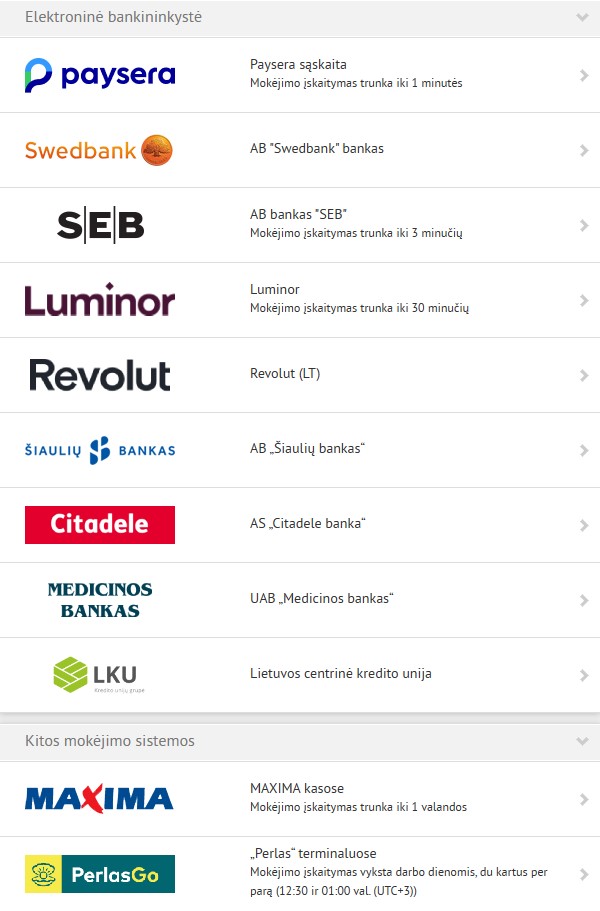
1. Choose one of the payment methods:
2. You can also pay by bank transfer (order processing takes longer), the goods will be prepared for shipment only after receiving the order. You can pay to the following accounts:
Swedbank: LT90 7300 0100 7662 0482
SEB: LT97 7044 0600 0789 9196
3. Payment in cash is possible by calling one of the phones listed in the "Contacts" section and agreeing on payment upon collection of the goods from the courier (have the amount of money without returns). When paying in cash, an additional 3.5 Eur including VAT is added.
4. You can also pick up and pay for the item yourself at one of our stores. After placing an order and specifying pickup in Kaunas or Vilnius, the item will be reserved for seven calendar days. When picking up the item at the store, you can also pay in advance by bank transfer, in which case the item will be reserved for an unlimited period of time. This does not cost anything extra.
